
Data Centre
Connect electrical distribution, protection, backup power, heat and airflow with service continuity.
Review the 12-module pathwayBEGINNERS · STUDENTS · WORKING LEARNERS
You do not need to know every technical term before you begin. Start with the whole system and learn what each part does.
Data Centre, Hydro and Motor put foundations beside the system you are exploring. Begin with guidance or go directly to a fresh independent case.
Try the public 3D exampleBEGIN WITH GUIDANCE
You can revisit a foundation while practising. The first goal is to understand why a result changes, not to memorise a sequence of clicks.
CHOOSE LESS GUIDANCE
Open the course workspace and choose its independent challenge. You do not have to replay introductory guidance first. Investigate the available evidence, make your decision and review the result.
Course access is still required. If you use guidance during an independent attempt, follow the activity’s assistance rules; a guided completion and an independent result are different kinds of learning evidence.
Connect electrical distribution, protection, backup power, heat and airflow with service continuity.
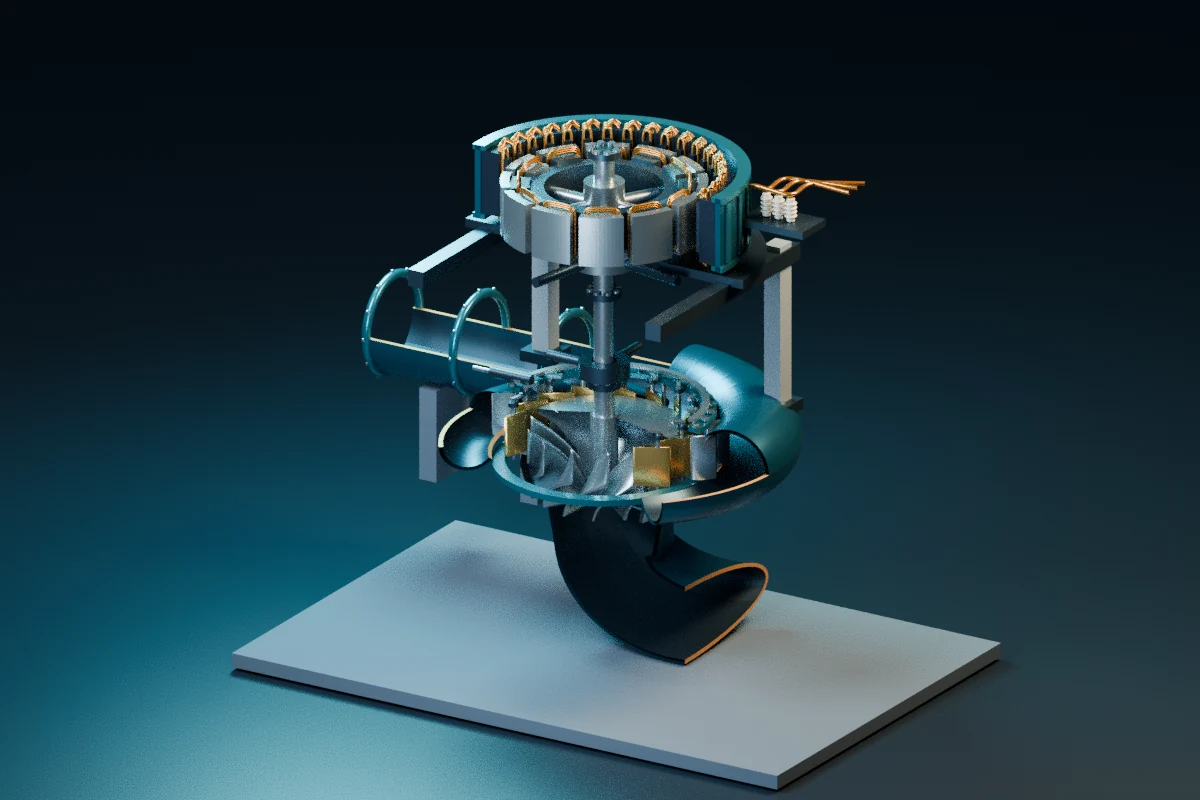
Review the 12-module pathwayConnect head, flow and pressure with turbine motion, generation, governing and cooling.
View Hydro in the AcademyConnect circuits and three-phase supply with torque, speed, load, heating and protection.
View Motor in the AcademySolar PV, industrial networking, PLC automation, thermal power, steel and copper remain available as focused specialist pilots. Their activity sets are smaller and their scope varies.
Compare all nine learning areasPaid enrolment is being prepared. Pricing is not set. The planned offer is one payment for six calendar months of access to a chosen course, without a subscription or automatic renewal.
Academy account & sign in Ask about a demoThis page does not collect a waitlist or take a payment. The retained #waitlist link brings you to current access information.
A laptop or desktop gives larger models and controls more room. Try the public 3D preview on your device. Illustrated alternatives are available when 3D graphics cannot be used. No desktop application is required.
These are simplified educational systems. They do not certify workplace competence, validate an engineering design or authorise real equipment operation. Use current site procedures, qualified supervision and appropriate authorisation for real work.
Read free Data Centre fundamentals Open the retained DC Motor AR viewer