Discover the components.
Learn each part’s purpose and connections. Open an explanation, make a prediction and follow a guided investigation in the workspace.
See the beginner routeANY TECH SKILLS ACADEMY · LEARN. SIMULATE. ELEVATE.
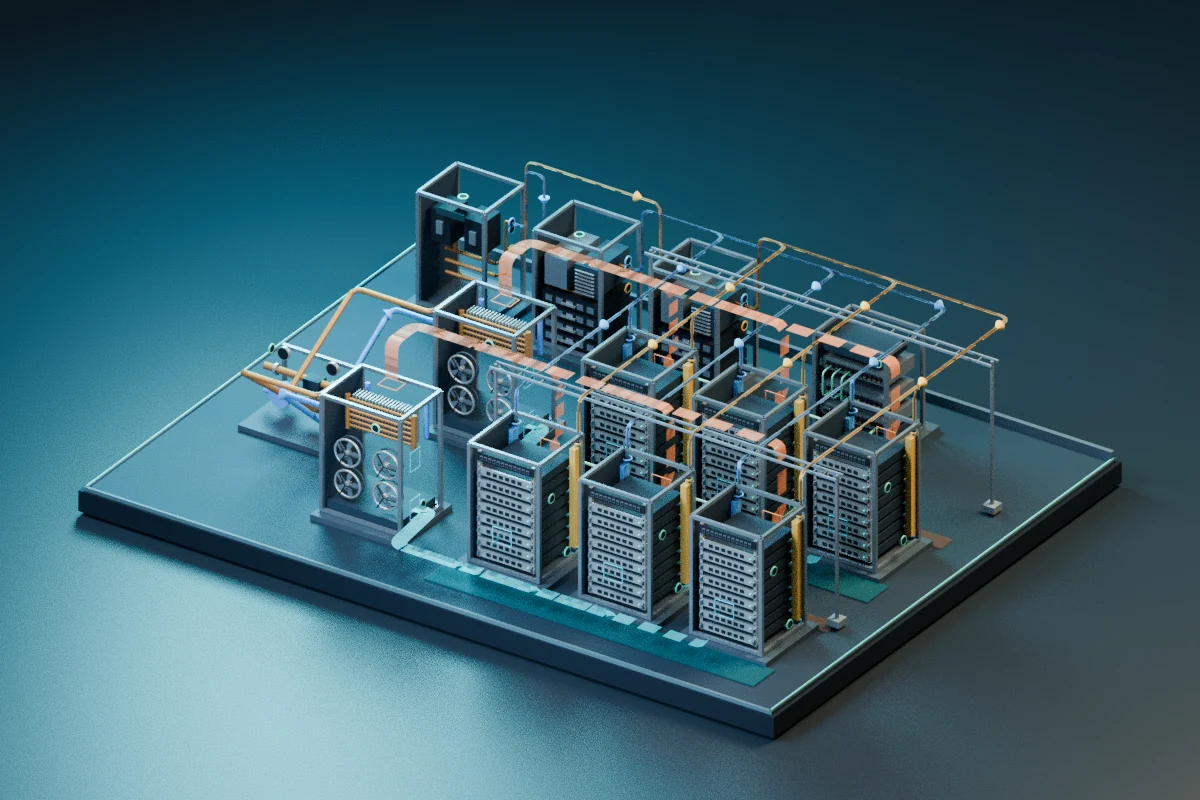
Discover the relationship between IT equipment, power and cooling.
Drag to orbit · Scroll to zoom
Use the view buttons to explore
Understand the parts. Predict what a change will do. Operate the teaching model and verify the result.
Guidance inside the workspace for beginners. Direct access to independent challenges for experienced learners, where course access is active.
MORE THAN WATCHING A LESSON
Choose how much guidance you need. Foundations belong with the equipment and the task, so you can connect a new idea to the system in front of you.
Learn each part’s purpose and connections. Open an explanation, make a prediction and follow a guided investigation in the workspace.
See the beginner routeConnect electricity, heat, flow and mechanical motion to visible equipment. Compare a change with the model’s readings and explanation.
Compare the three core workspacesStart a fresh case without repeating introductory guidance. Investigate the evidence, make a decision and review your result.
See the independent routeKnow the component and the concept.
Say what you expect to change.
Try the controls in the teaching model.
Compare readings, evidence and reasoning.
THREE CORE COURSE EXPERIENCES
Data Centre, Hydro and Motor connect component discovery, guided practice and independent cases. Choose the system that makes the concepts useful to you.
Educational representations with simplified cause and effect. They do not establish validated engineering performance, a qualification or permission to operate real equipment.
CHOOSE THE SYSTEM YOU WANT TO UNDERSTAND
Explore the three core experiences or one of six focused specialist pilots. Every area remains available to discover; the scope of each is shown below.
Open the full catalogue9 learning areas
INFRASTRUCTURE 62 activities
Connect power, cooling and IT. Investigate the systems behind service continuity.
AUTOMATION 13 lessons
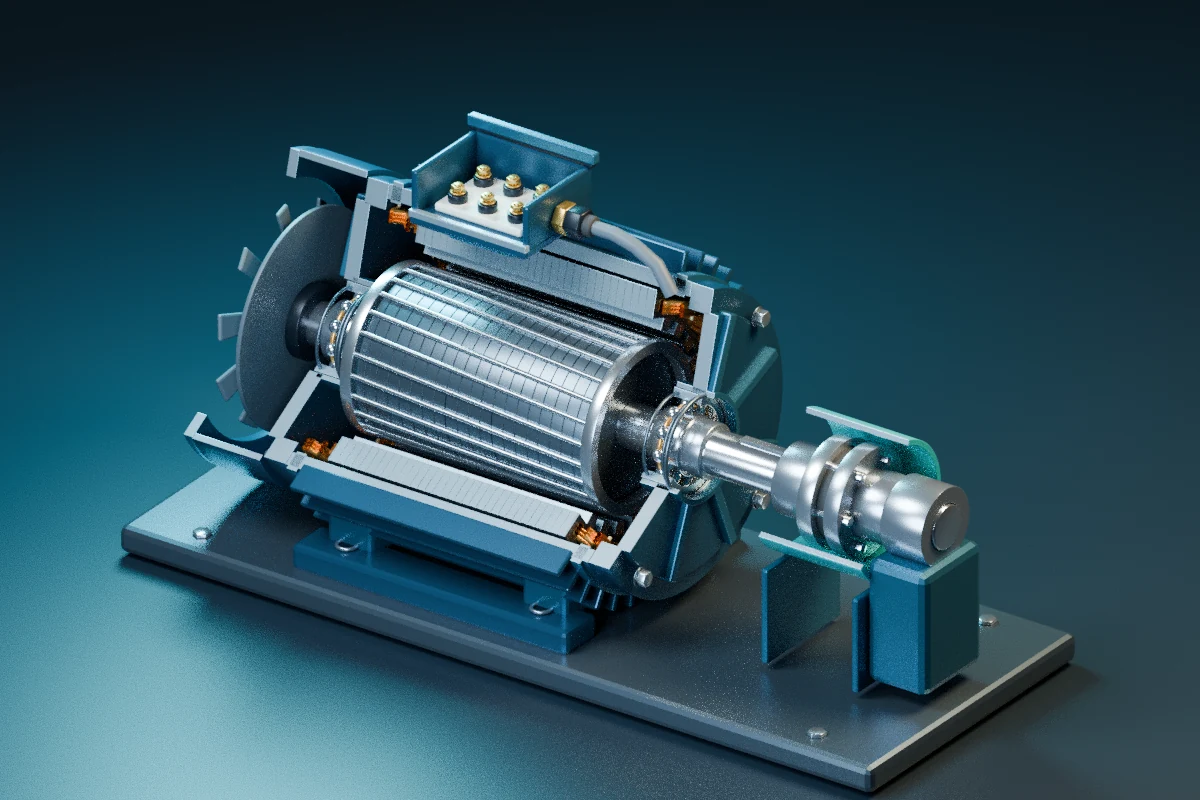
Identify motor components and connect electrical input, rotating motion and operating behaviour.
ENERGY 6 activities · Pilot
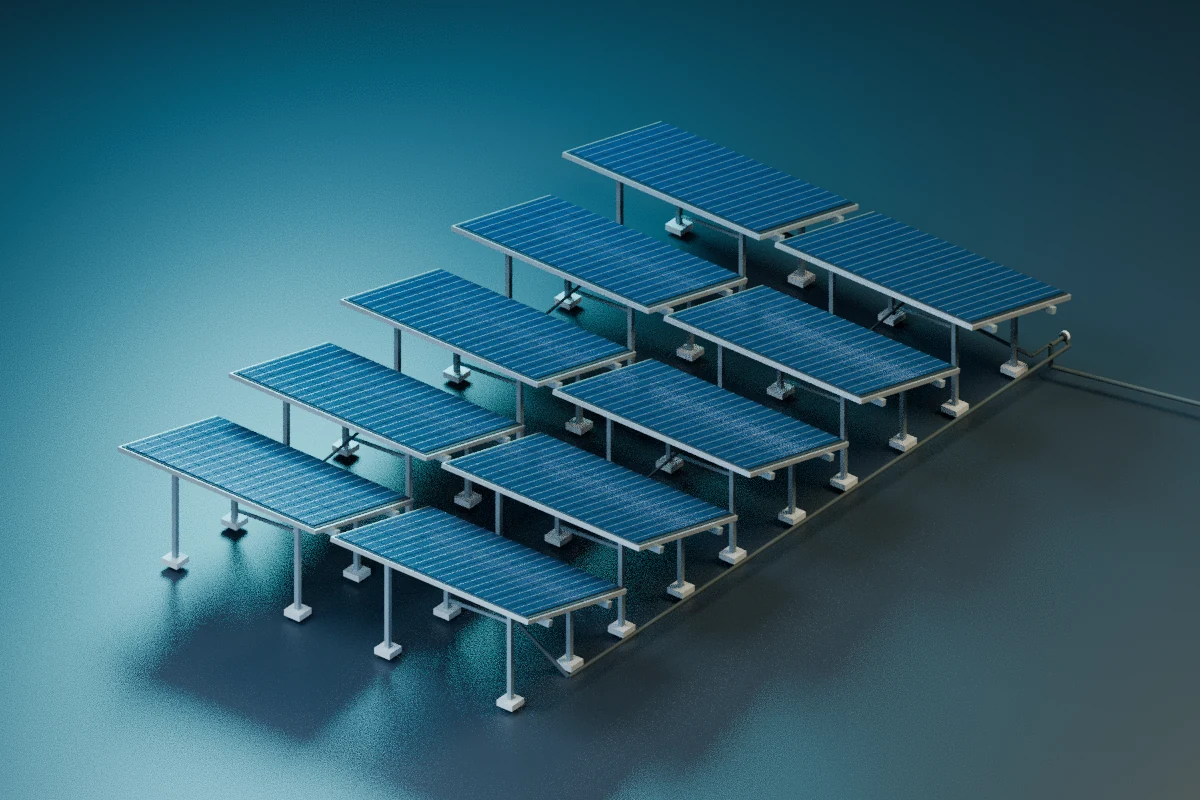
Compare solar readings to distinguish a missing string, a measurement issue and normal output changes.
INFRASTRUCTURE 6 activities · Pilot
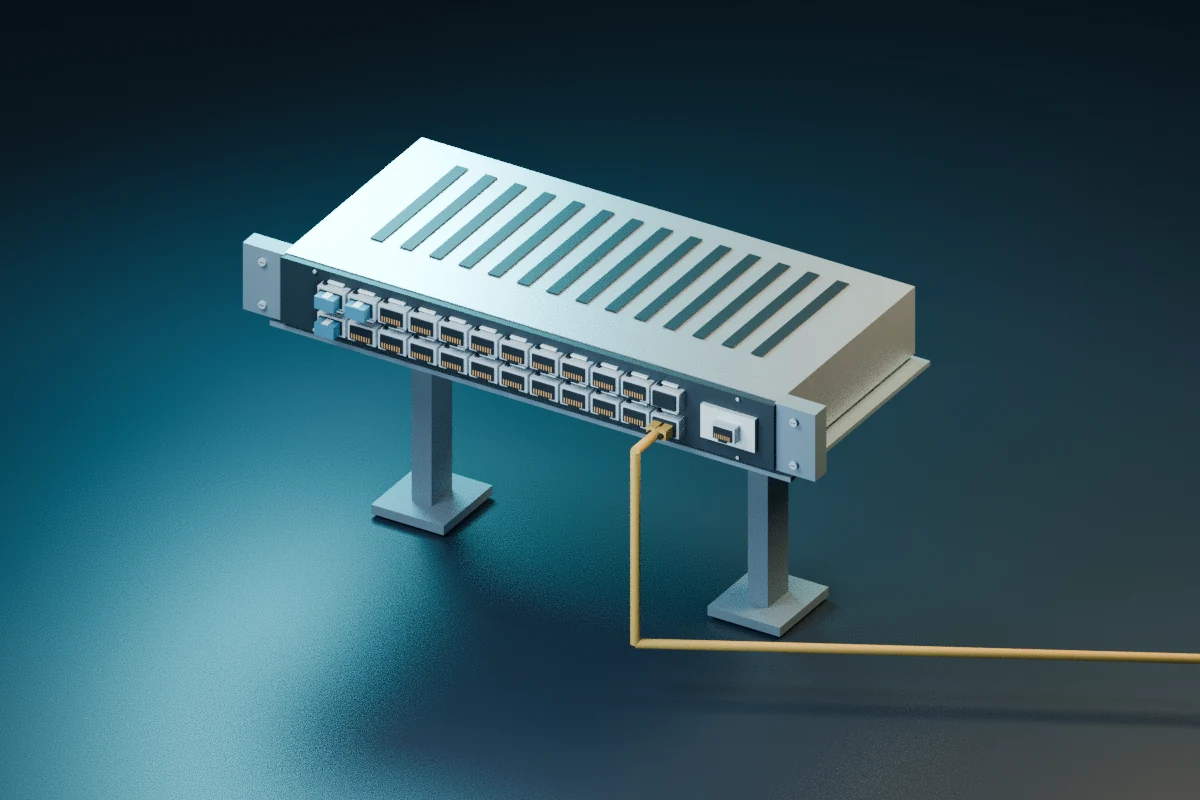
Trace a communication failure and distinguish a network configuration problem from an endpoint issue.
AUTOMATION 6 activities · Pilot
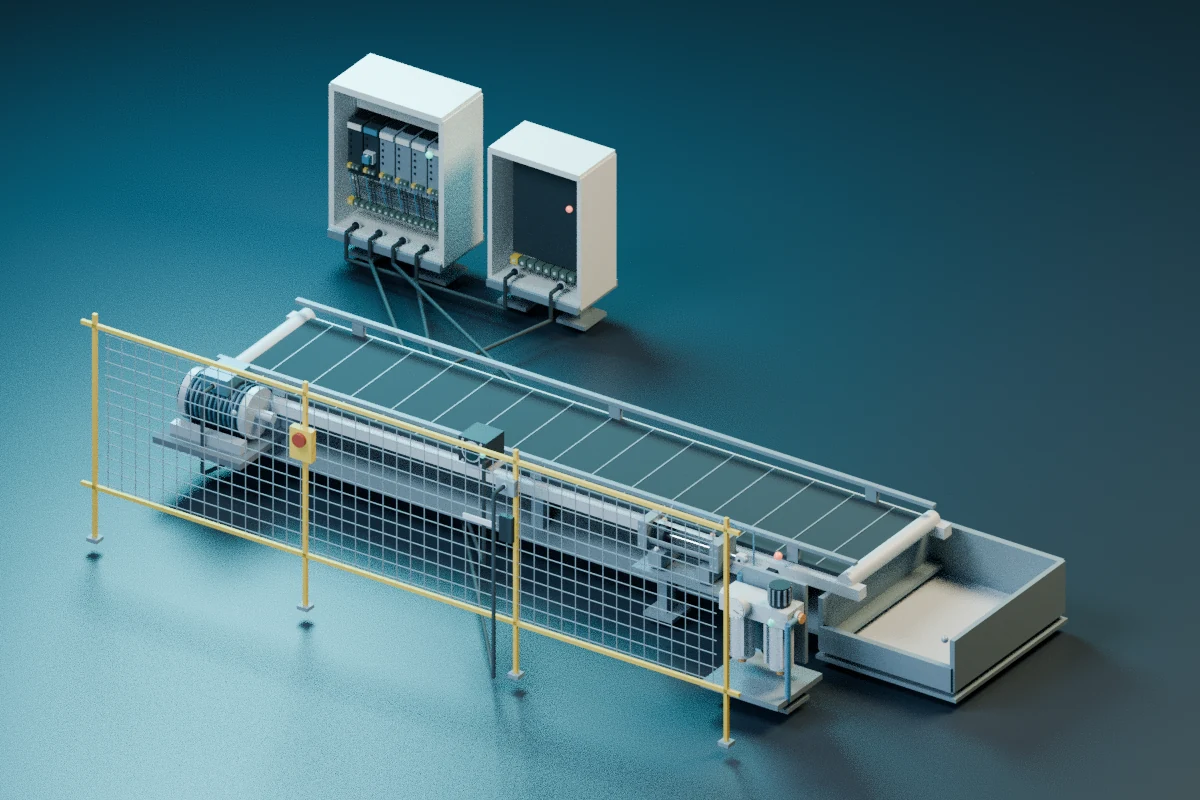
Investigate sensors, timing and machine permissions. Recognise when a stopped machine should stay stopped.
ENERGY Core workspace
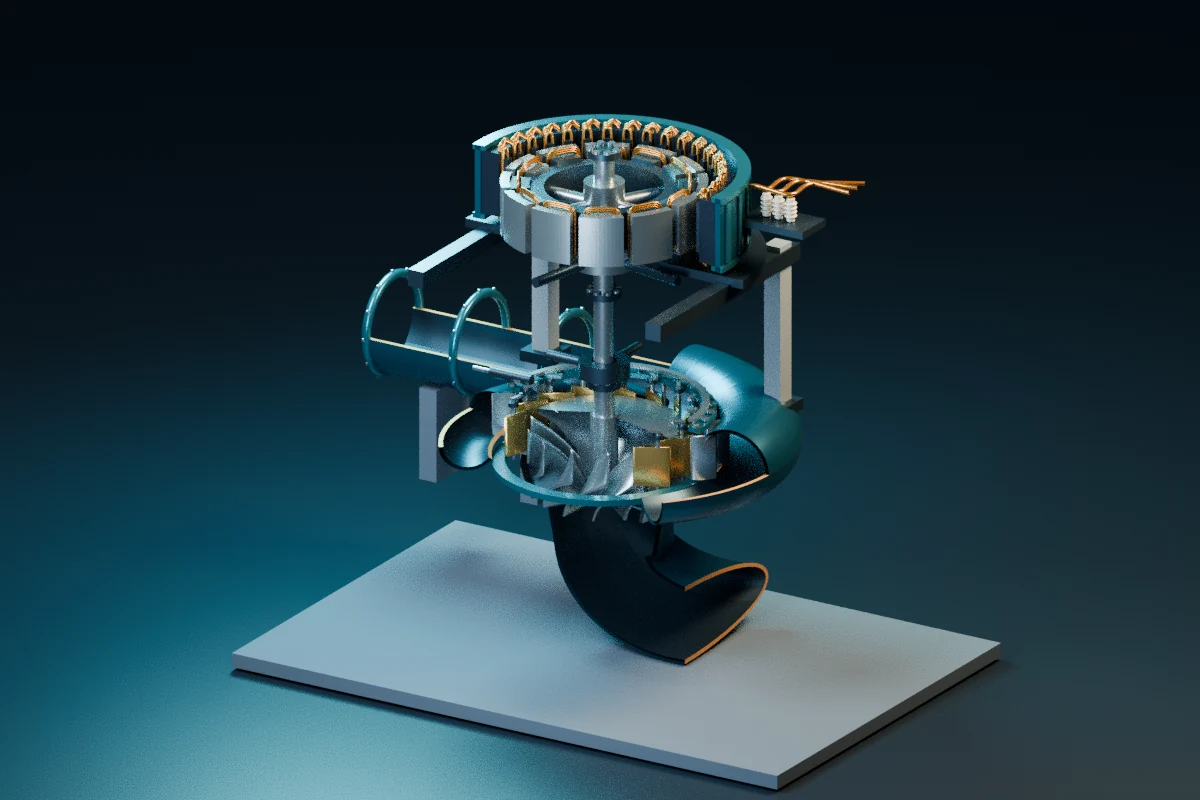
Connect head, flow and pressure with the turbine and generator. Explore generation and a cooling-water investigation.
ENERGY 1 activity · Pilot
Trace the steam cycle and investigate what a condenser-pressure reading really tells you.
INDUSTRY 1 activity · Pilot
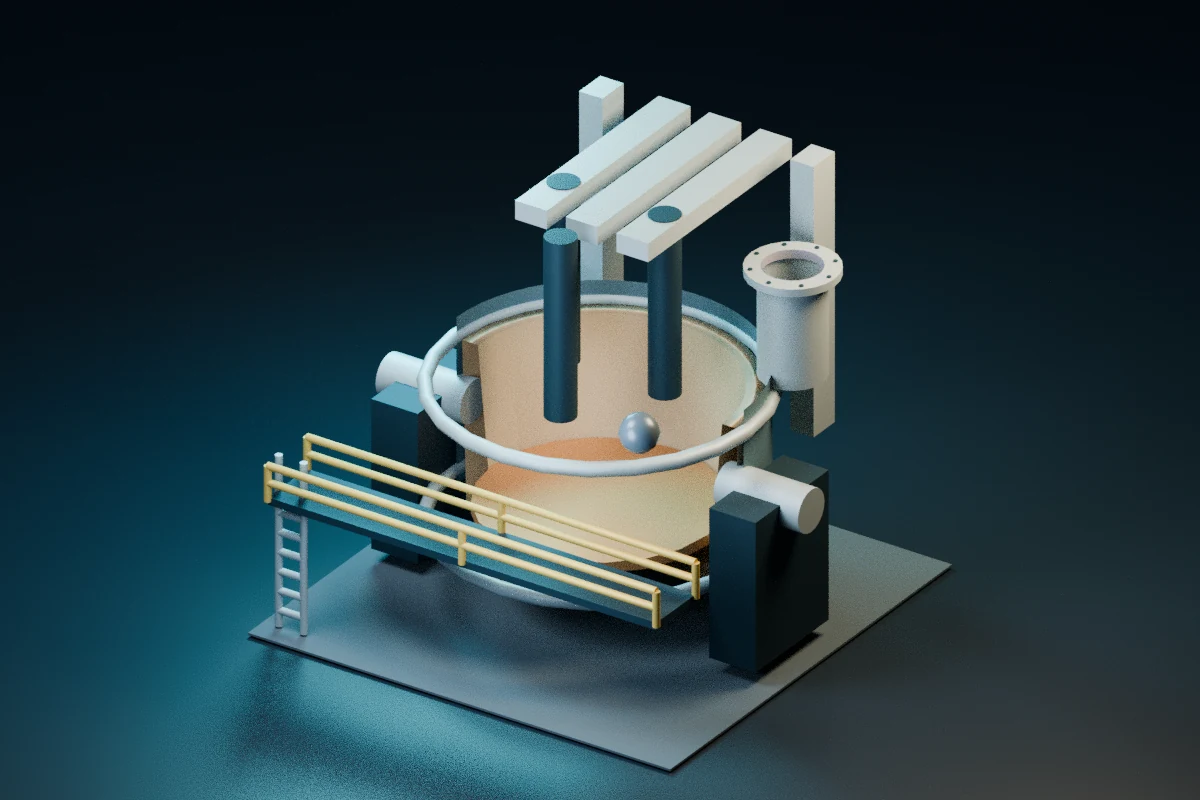
Follow steel through melting, casting and rolling. Investigate a problem in the transfer between stages.
INDUSTRY 1 activity · Pilot
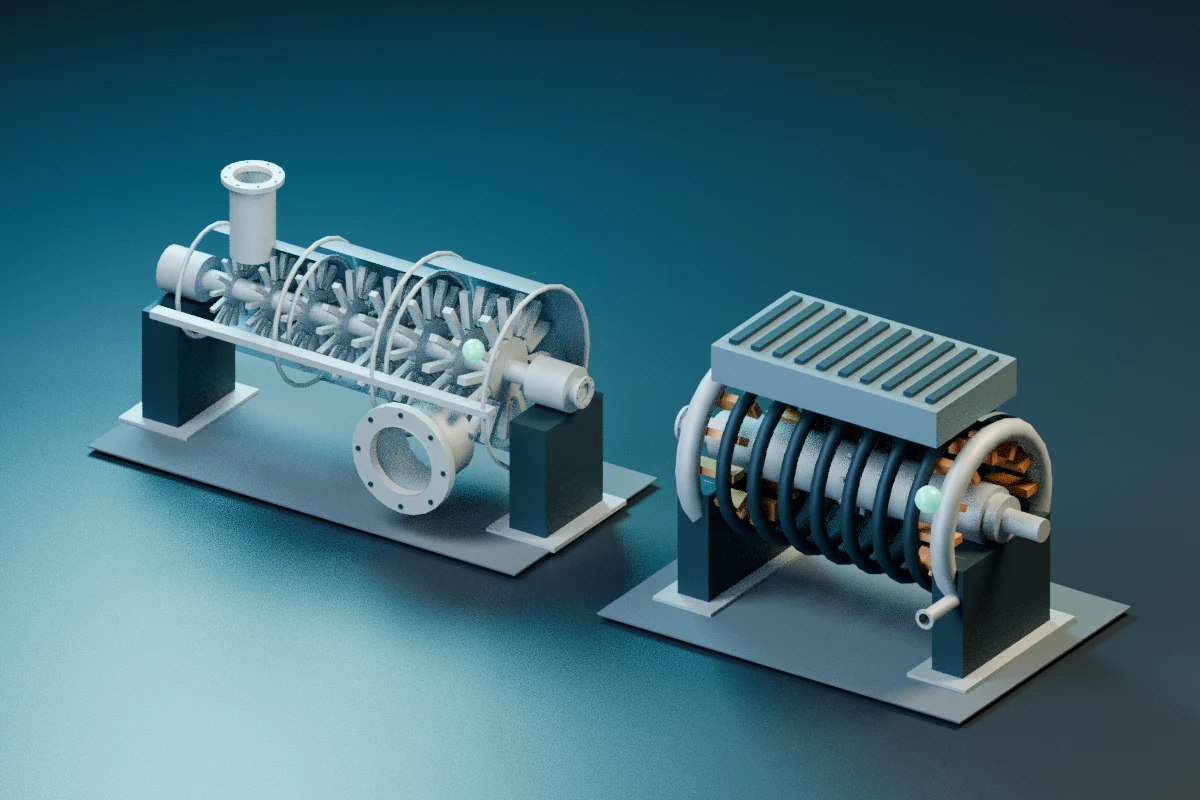
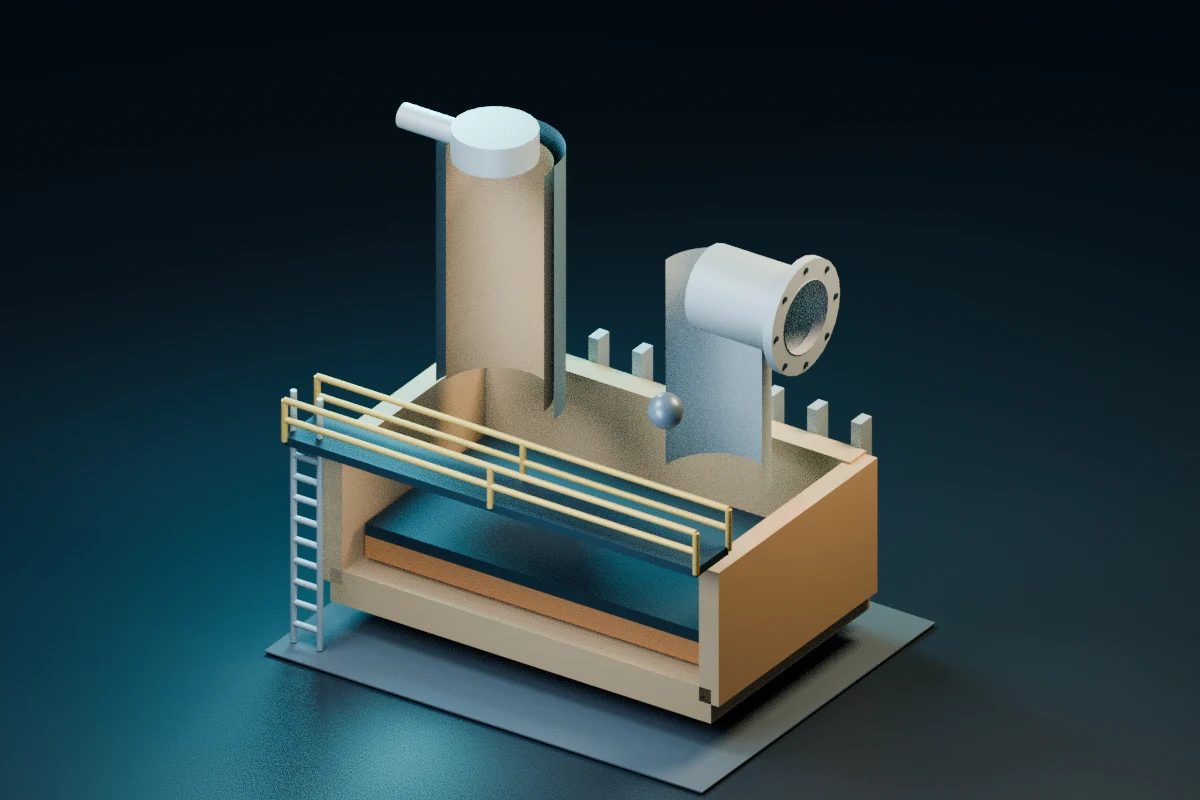
Explore the dry-feed route and distinguish delivered material from a misleading indication.
All nine areas remain in the catalogue. The six specialist pilots are focused introductions with smaller activity sets; review their scope and current access options in the Academy.
ONE EXAMPLE · DATA CENTRE INVESTIGATION
A rack reports a high inlet-air temperature. The service still appears online.
What would you check first?
A fictional practice question from the world of data centre operations.
One reading. Several possible explanations.
Choose a step to see the reasoning.
BEFORE YOU BEGIN
Yes. The Data Centre, Hydro and Motor workspaces integrate component discovery and foundations with guided tasks. Begin with what a part does, then predict and compare a model response. Experienced learners can choose an independent challenge. Basic diagrams and arithmetic help; scope varies by course.
The planned offer is one payment for six calendar months of access to your chosen course. There is no recurring subscription. Paid enrolment and pricing are not open yet. Review the course scope above and contact us about a demo. Creating an account alone does not unlock courses.
Explore the interactive data centre model at the top of this page, try the practice question or read the free fundamentals. These public previews do not save account progress or unlock paid courses.
Read the free Data Centre fundamentalsSign in to the Academy to see your assigned courses and available access options. Creating an account and opening a course link do not automatically unlock a course. For activities that support account evidence, use the save or submit action and wait for confirmation.
Open the AcademyUse a current web browser, preferably on a laptop or desktop for larger models and controls. No desktop application is needed. A labelled illustrated view is available when 3D graphics are unavailable. Try the public model on your device before choosing a course.
Course access ends after the six-calendar-month period. It does not renew or charge you automatically. Contact support for available access options.
These are independent educational representations of simplified systems. Different activities use different combinations of models, records and calculations. They support understanding and practice; they do not establish a professional qualification, OEM endorsement, workplace competence or permission to operate equipment. Real work requires current site procedures, qualified supervision and appropriate authorisation.
TAKE A CLOSER LOOK BEFORE YOU CHOOSE